Oil Painting for Beginners: Your Digital Art Journey...
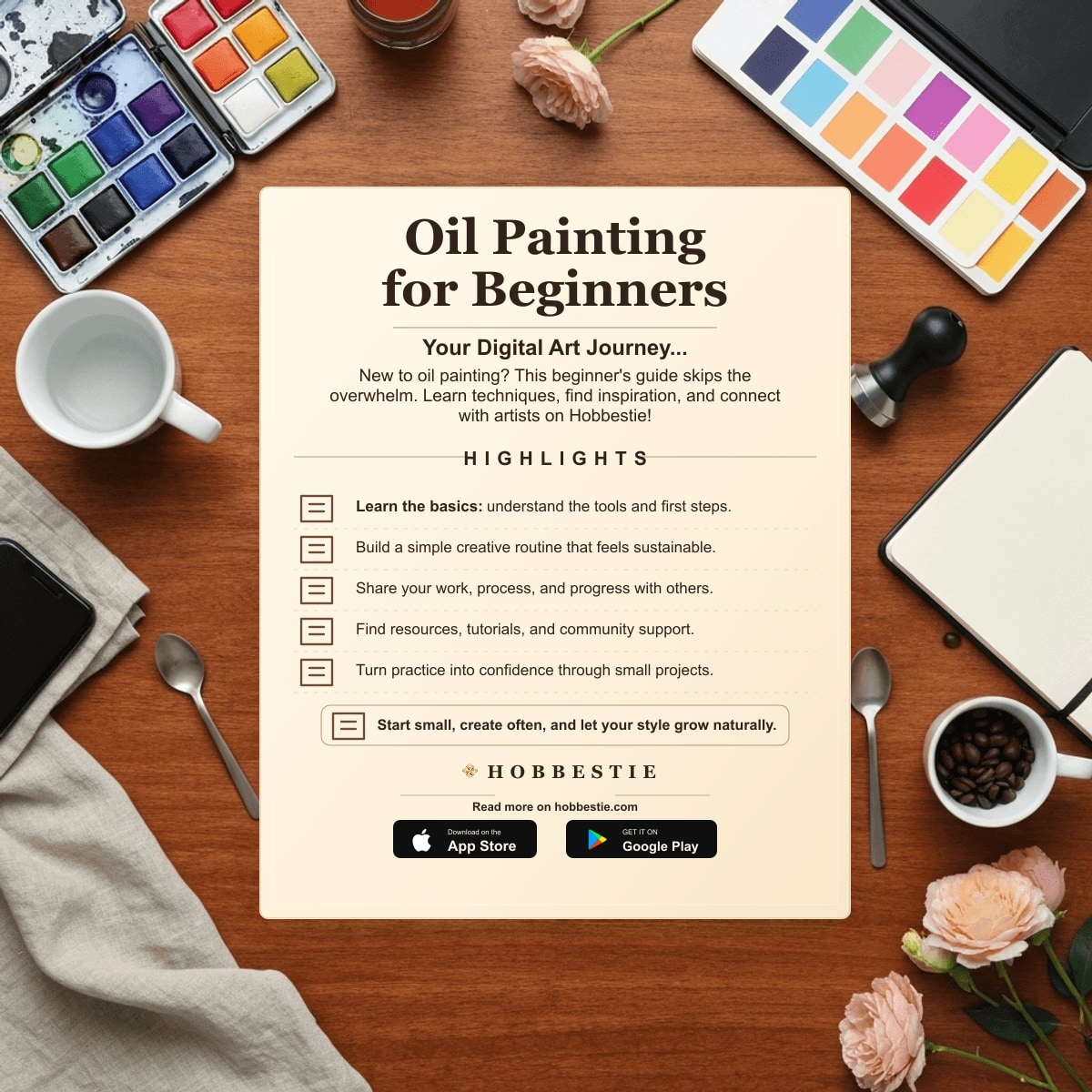
Oil Painting for Beginners: Your Digital Art Journey Starts Now!
Are you curious about oil painting for beginners but feel intimidated by the materials and mess? This guide offers a fresh approach: learning the fundamentals digitally! We’ll explore techniques, discover inspiration, and connect with a supportive community, all without needing a single tube of paint. Get ready to unleash your inner artist in a whole new way.
Section 1: Getting Started with Oil Painting: The Digital Essentials
Understanding the Basics: A Digital Overview
Oil painting is traditionally known for its rich colors, smooth blending, and the ability to create stunning depth and texture. But what if you could explore these qualities digitally? Digital oil painting allows you to simulate the look and feel of traditional oil paints using software and a stylus or mouse. This approach offers a fantastic way to learn the core concepts without the initial investment in physical supplies.
Think of it as a risk-free sandbox where you can experiment with color, composition, and technique. You can learn at your own pace, undo mistakes easily, and explore various styles without worrying about material waste. It's a perfect starting point for anyone who wants to understand the art of oil painting before diving into the physical medium.
Finding Inspiration and References Online
Before you start painting, you'll need inspiration! The internet is overflowing with free and affordable resources. Websites like Unsplash and Pexels offer a vast library of high-quality photos you can use as references. You can also explore online art galleries and museums to study the works of master oil painters.
Consider searching for specific themes or subjects that resonate with you. For example, if you love landscapes, search for “landscape photography” or “landscape oil paintings.” If you're drawn to portraiture, look for “portrait photography” or “portrait oil portraits.” Save your favorite images to a dedicated folder for easy access.
Setting Up Your Digital Workspace
Creating a dedicated digital workspace is crucial for focused learning and creating. Start by bookmarking helpful websites, tutorials, and online resources. Organize your inspiration images into folders based on theme or style. This will help you quickly find what you need when you're ready to paint.
Ensure your workspace is free from distractions. Turn off notifications on your computer and phone. Let your family or roommates know that you need some uninterrupted time to focus on your art. A dedicated workspace will help you stay motivated and productive as you learn.
Section 2: Mastering Basic Oil Painting Techniques (Digitally!)
Color Mixing and Theory: Digital Palettes
Understanding color theory is fundamental to oil painting. In the digital world, you can explore color mixing using digital color palettes and color pickers. Software like Adobe Photoshop or Procreate allows you to experiment with different color combinations and create custom palettes.
Start with the basics: primary colors (red, yellow, blue), secondary colors (green, orange, purple), and tertiary colors (combinations of primary and secondary colors). Experiment with adding white to create tints and black to create shades. You'll quickly learn how different colors interact and how to achieve the desired effects in your paintings.
Brushwork and Texture: Simulating Effects Digitally
Brushwork and texture are key elements of oil painting. While you won't be using physical brushes, you can simulate different brushstrokes and textures digitally. Many digital painting programs offer a variety of brush tools that mimic the look and feel of traditional oil brushes.
Experiment with different brush sizes, shapes, and textures. Try using a soft brush for blending and a textured brush for creating impasto effects. You can also find online tutorials that demonstrate how to create specific brushstrokes and textures digitally. Look for tutorials that focus on simulating oil painting techniques in your chosen software.
Layering and Glazing: Digital Techniques
Layering and glazing are essential techniques in oil painting. Layering involves applying thin layers of paint on top of each other to build up color and value. Glazing is a technique where thin, transparent layers of paint are applied over a dried underpainting to create depth and luminosity.
You can replicate these techniques digitally by using layers in your painting software. Create a new layer for each color or value change. Adjust the opacity of each layer to control the transparency and blending. You can find specific tutorials on the Hobbestie Marketplace that guide you through these digital layering and glazing techniques. Learning digitally offers the advantage of the undo button, eliminating material waste, and providing affordability.
Section 3: Finding Your Style and Inspiration on Hobbestie
Exploring Different Oil Painting Styles (Digitally)
Oil painting encompasses a wide range of styles, from realism to impressionism to abstract art. Realism aims to depict subjects accurately, while impressionism focuses on capturing the fleeting effects of light and color. Abstract art, on the other hand, emphasizes form, color, and composition over realistic representation.
Explore these styles digitally by browsing online art galleries and searching for specific artists or movements. Experiment with different techniques and approaches to find what resonates with you. Don't be afraid to try something new and push your creative boundaries. For example, try replicating a famous Van Gogh painting, but with a digital twist!
Finding Inspiration from Other Artists on Hobbestie
The Hobbestie Marketplace is a fantastic place to discover inspiring oil paintings and connect with talented artists. Browse through the digital art prints and artwork available on the platform. Pay attention to the styles, techniques, and subjects that catch your eye. You can also follow artists whose work you admire to stay updated on their latest creations.
Consider searching for artists who specialize in a particular style or subject that interests you. For example, if you're interested in painting landscapes, search for artists who create landscape oil paintings. You might even find digital painting tutorials offered by these artists!
Participating in Digital Art Challenges
Participating in digital art challenges is a fun and effective way to spark creativity and improve your skills. Many online communities and platforms host regular art challenges with specific themes or prompts. These challenges provide a structured framework for creating new artwork and experimenting with different techniques.
Check out the Hobbestie Community to find and join relevant groups that host art challenges. You can also create your own challenges and invite other artists to participate. This is a great way to connect with like-minded individuals, share your work, and receive valuable feedback. For example, try the “Color Palette Challenge” where you create a painting using only a limited set of colors.
Section 4: Learning Resources and Community Support
Online Courses and Tutorials
The Hobbestie Marketplace offers a variety of online courses and video tutorials covering oil painting techniques. These resources cater to all skill levels, from beginners to advanced artists. You can find courses that focus on specific techniques, such as color mixing, brushwork, or layering, as well as courses that cover a particular style or subject.
Look for courses that are taught by experienced artists and that provide clear, step-by-step instructions. Consider reading reviews from other students to get an idea of the course's quality and effectiveness. Don't hesitate to ask questions in the course forums or reach out to the instructor for help.
Community Forums and Feedback
The Hobbestie Community forums are a valuable resource for asking questions, sharing your work, and receiving feedback from other artists. This is a supportive and collaborative environment where you can connect with like-minded individuals and learn from their experiences.
Don't be afraid to share your artwork, even if you're just starting out. Constructive criticism can help you identify areas for improvement and grow as an artist. Be sure to offer feedback to other artists as well. This is a great way to learn from different perspectives and build relationships within the community.
Digital Art Templates and Resources
Hobbestie also provides access to digital art templates and resources that can help you with your oil painting journey. These resources might include composition guides, color palettes, and texture brushes. These templates can save you time and effort, allowing you to focus on the creative aspects of your artwork.
Explore the available resources and experiment with different templates to find what works best for you. You can also create your own templates and share them with the community. This is a great way to contribute to the community and help other artists improve their skills.
Section 5: Taking Your Digital Oil Painting to the Next Level
Advanced Digital Techniques
Once you've mastered the basics of digital oil painting, you can explore more advanced techniques. This might involve using more sophisticated digital painting software, experimenting with advanced color grading techniques, or creating custom brushes and textures. There are many online tutorials and courses that can guide you through these advanced techniques.
Consider exploring software like Corel Painter or Rebelle, which are specifically designed to simulate the look and feel of traditional art media. Experiment with different blending modes and filters to achieve unique effects. Don't be afraid to push the boundaries of what's possible with digital oil painting.
Selling Your Digital Art on Hobbestie
If you're interested in turning your passion for digital oil painting into a source of income, you can sell your artwork on the Hobbestie Marketplace. You can sell digital prints, patterns, tutorials, or even custom artwork commissions. This is a great way to reach a wide audience and generate revenue from your creative work.
To Become a Seller, create a profile on the Hobbestie Marketplace and showcase your best artwork. Price your artwork competitively and promote it on social media. Engage with potential buyers and provide excellent customer service. With dedication and effort, you can build a successful business selling your digital oil paintings on Hobbestie.
Building Your Digital Portfolio
Creating a compelling digital portfolio is essential for showcasing your skills and attracting potential buyers. Your portfolio should include a selection of your best artwork, highlighting your strengths and showcasing your versatility. Choose high-quality images that accurately represent your artwork.
Organize your portfolio in a way that is easy to navigate and visually appealing. Include a brief artist statement that describes your artistic vision and process. Regularly update your portfolio with new artwork to keep it fresh and engaging. Share your portfolio on social media and other online platforms to reach a wider audience.
Ready to embark on your oil painting journey? Explore the wealth of resources and connect with a vibrant community of artists on Hobbestie! Find online courses, digital art inspiration, and supportive groups to help you unleash your creativity. Start creating today!